Stop the “Is the Site Down?” Emails: Client-Facing Status Pages
Short answer: a client-facing status page is a link each client can open to see whether their sites are up, instead of emailing you to ask. It needs a clear overall state, per-site status, and your agency’s branding rather than the tool’s. It also tells clients you monitor their sites continuously.
Every agency knows the email: “Is the site down? It looks slow on my end.” Usually it’s their wifi. But you still have to drop what you’re doing, check, and reply. Multiply that across every client and it’s a real tax on your week.
A client-facing status page makes that question self-serve. Instead of emailing you, the client checks a link and sees the answer.
What belongs on it
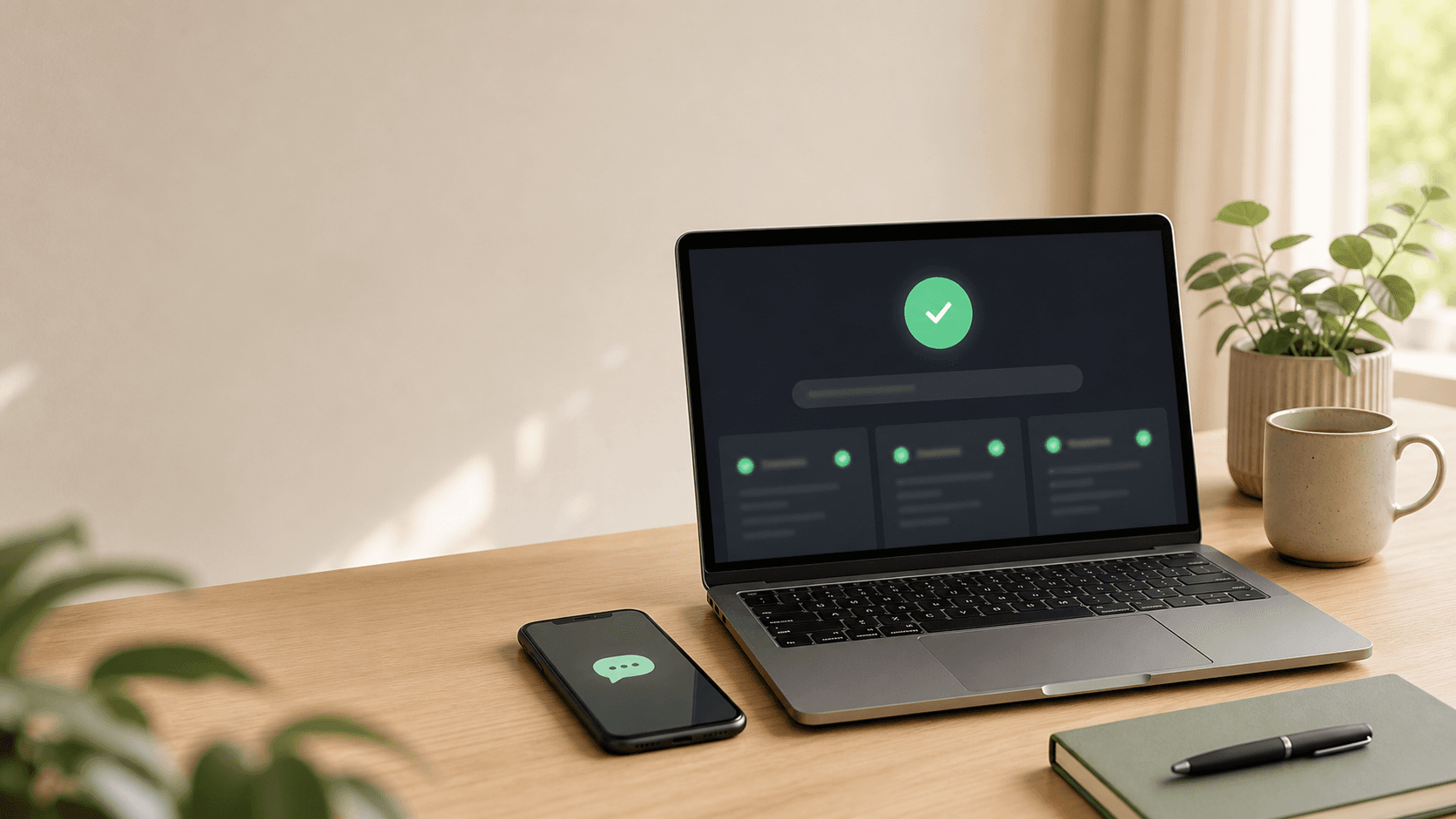
- A clear overall state — “all systems operational” vs. a visible issue. One glance should answer the question.
- Per-site status — up/down and recent responsiveness for each site that client cares about.
- Your branding, not the tool’s — the page should feel like it comes from you, the agency.
It’s a trust signal, not just a deflection
Beyond saving you emails, a status page quietly says “we monitor your site continuously.” That’s a differentiator most agencies don’t advertise because they can’t back it up. If you’re monitoring anyway, the page is almost free to hand over.
How to ship one
Zeqo Watch gives every account a read-only, token-gated status page you can share with clients, scoped to the sites that client cares about — no extra setup beyond adding the sites you’re already monitoring.
Monitor every client site from one dashboard
Zeqo Watch tracks uptime and SSL across all your client domains, grouped by client, with alerts to email, Slack, or webhook and a shareable status page.