
DMARC Policy: When to Use p=none, quarantine, or reject
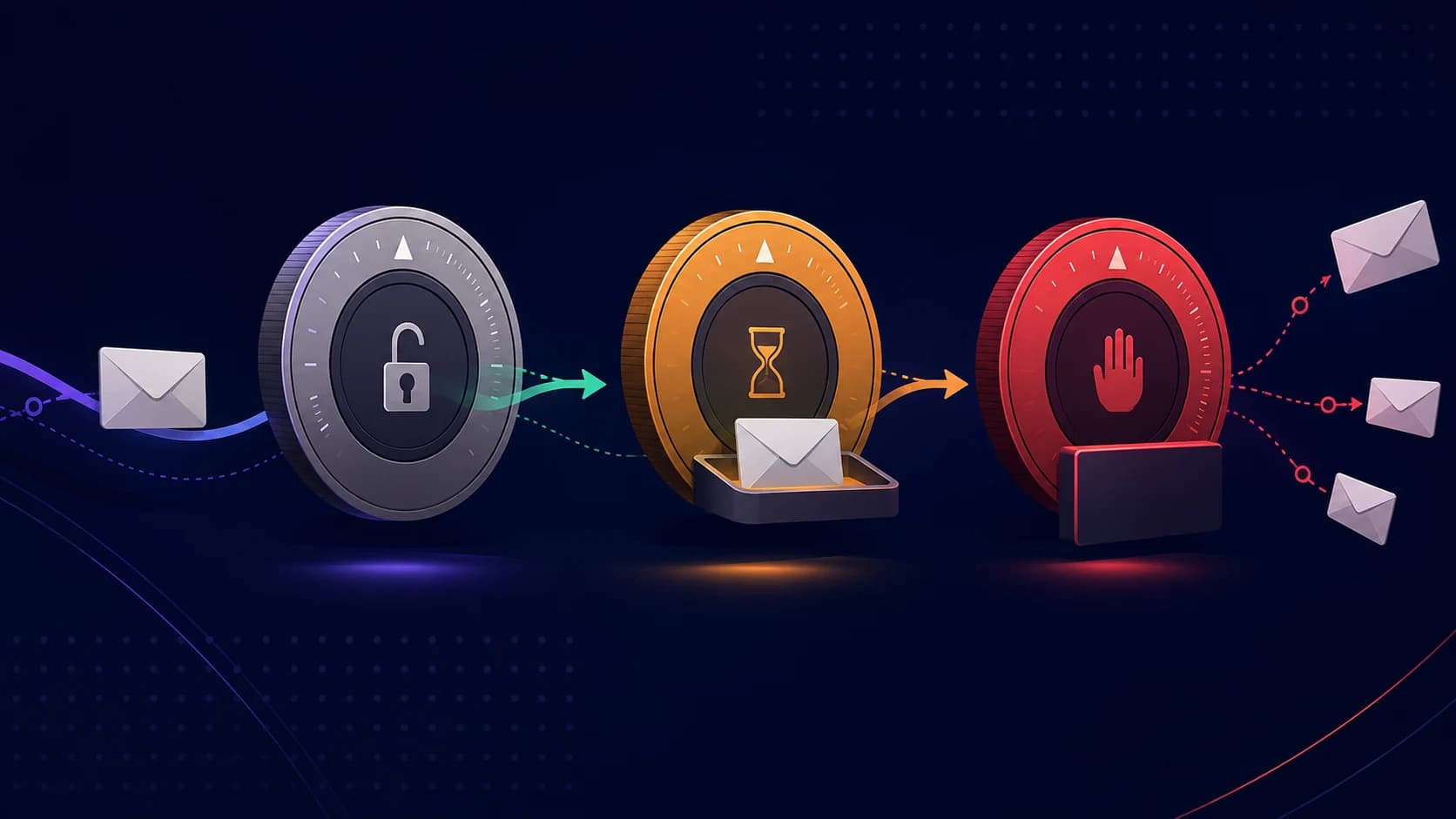
Publishing DMARC is a good start, but the policy is what decides whether it actually protects your domain. A record stuck at p=none is useful for visibility, but it does not stop spoofed mail. A record at p=reject can block impersonation, but if you rush there before your real senders are aligned, you can block your own email too.
The safe path is staged: monitor, fix, quarantine, then reject. The trick is knowing what to prove before moving from one stage to the next.
p=none: collect evidence first
p=none tells receivers to send DMARC reports without changing delivery. Failing mail still gets delivered according to the receiver's normal filtering rules. That makes it the right starting point for nearly every domain, especially if you are not yet sure which tools send email on your behalf.
Stay at p=none long enough to identify every legitimate source: Google Workspace or Microsoft 365, your marketing platform, transactional email, support desk, billing tool, and any subdomain used for outreach. Then use your DMARC reports to confirm those sources pass SPF or DKIM and align with your visible From domain.
p=quarantine: send failures to spam
p=quarantine asks receivers to treat failing mail as suspicious, usually by placing it in spam. This is the middle step: stronger than monitoring, less risky than outright rejection. It lets you prove that enforcement works while still giving you a chance to notice missed legitimate senders.
Before switching to quarantine, your known senders should be passing and aligned. Unknown sources in reports should either be clearly malicious or low enough risk that you are comfortable filtering them. If a real sender is still failing, fix that first.
p=reject: block impersonation
p=reject asks receivers to reject mail that fails DMARC. This is the strongest protection against spoofing because forged messages do not merely land in spam; they are blocked before delivery. For domains used by customers, invoices, logins, or security-sensitive communication, reject is the goal.
Move to reject only after reports show your legitimate sources passing for a sustained period. If you recently added a sender or changed providers, give the reports time to settle before tightening.
Use pct to roll out gradually
DMARC supports a pct= tag that applies enforcement to only a percentage of failing mail. For example:
v=DMARC1; p=quarantine; pct=25; rua=mailto:dmarc@yourdomain.comThat policy asks receivers to quarantine only 25% of failing mail. You can raise the percentage as reports stay clean. Not every receiver handles this identically, but it is still a useful safety valve for cautious rollouts.
The rollout checklist
- Publish one DMARC record, not duplicates
- Start at
p=nonewith a workingrua=address - Identify every legitimate sender in aggregate reports
- Fix SPF, DKIM, and alignment failures before enforcement
- Move to
p=quarantine, optionally withpct= - Move to
p=rejectonce reports stay clean
Check before you tighten
Before changing policy, run the domain through the free DMARC checker. It confirms your record is valid, flags duplicate DMARC records, and shows whether the current policy is monitoring-only or enforced.
DMARC policy is not a set-and-forget control. Someone can add a sender, remove a record, or weaken enforcement later. Zeqo Mail monitors those changes daily and alerts you when your domain slips backward.
Check your domain in seconds
Enter any domain to validate DMARC. We check your policy strength, flag the duplicate-record bug that silently disables DMARC, and give you the exact TXT record to publish — now required by Google and Yahoo for bulk senders.