
ERR_CERT_DATE_INVALID: The Fix When It's Your Site
First, work out which side of this you are on, because the answer is completely different and most guides only cover one of them.
- Seeing it on someone else’s site? Check your computer’s clock. That genuinely is the most common cause, and it is a thirty-second fix — skip to the last section.
- Your own visitors are seeing it? Your clock is irrelevant. Your certificate expired, and every visitor is being shown a full-page security warning right now.
This guide is for the second case, which almost nothing written about this error actually addresses.
What the error actually means
NET::ERR_CERT_DATE_INVALID means the browser checked your certificate’s validity window against the current time and found it outside that window. Either the certificate expired, or it is not valid yet, or the visitor’s clock is wrong enough to make a valid certificate look expired.
If several visitors on different machines and networks report it, the clock explanation collapses — they do not all have the wrong time. It is your certificate.
Confirm it in ten seconds
Do not diagnose this from your own browser. Cached certificates, an open session, and your own clock all cloud the picture. Check from outside instead with the free SSL expiry checker or the broader SSL checker, which performs a live TLS handshake and reports the actual validity dates a visitor would see.
That distinction matters. A certificate can be installed correctly on one server in a load-balanced pair and expired on the other, so your browser looks fine while half your traffic gets the warning.
Fixing it right now
The order that resolves this fastest:
- If you use Let’s Encrypt or similar automation, renewal failed silently — that is the normal failure mode. Run the renewal manually and read the error rather than just retrying. The usual culprits are a failed HTTP-01 challenge because a redirect now intercepts
/.well-known/acme-challenge/, a DNS change that broke validation, or a firewall rule blocking the challenge request. - If you renewed but nothing changed, the new certificate is on disk and the server is still serving the old one in memory. Reload or restart the web server. This is an extremely common last step to forget.
- If you have a load balancer or CDN in front, the certificate has to be valid at whichever layer terminates TLS. Renewing on the origin does nothing if the edge holds the expired one.
- If the chain is incomplete, some clients will fail while others succeed, because browsers differ in how much they will reconstruct a missing intermediate. Serve the full chain, not just the leaf certificate.
After any fix, re-check from outside rather than reloading your own tab. If your DNS also changed recently, give it time and confirm with the DNS propagation checker.
What it costs while it is broken
Unlike most outages, this one does not take the site down — it shows every visitor a full-page interstitial telling them the site may be impersonating itself, and asks them to click through a warning to continue. Most will not.
So it reads as a traffic collapse rather than an incident: analytics drop, conversions stop, and uptime monitors that only check for an HTTP 200 may report everything as healthy. That is why expired certificates routinely run for hours before anyone notices — the systems watching for downtime are not looking at certificate dates. If you manage sites for clients, the cost of downtime for agencies applies here with a twist: nothing is technically down.
Making sure it does not happen again
Certificate lifetimes have been getting shorter, and the industry is continuing in that direction. Ninety-day certificates are now normal, which means renewal happens often enough that a manual process will eventually miss one. Anything depending on somebody remembering will fail on the month they are on holiday.
Three things worth having in place:
- Automated renewal, with alerting on failure. Automation that fails quietly is worse than no automation, because it removes the habit of checking without removing the risk.
- Expiry monitoring separate from your renewal tooling. If the same system both renews the certificate and tells you whether it worked, a failure can take out both. An independent check that looks at the certificate from the outside does not share that failure mode.
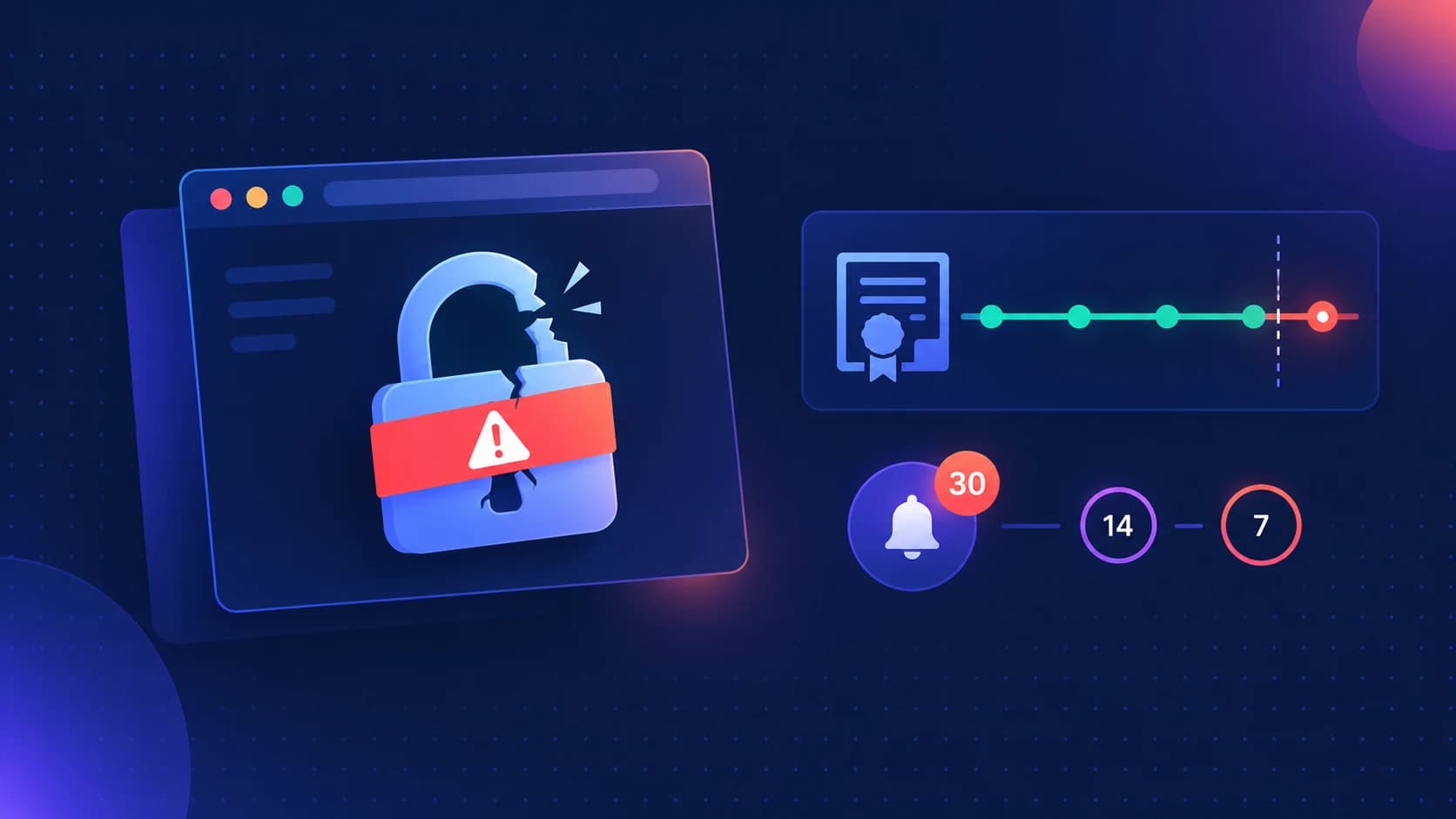
- Warning at 30, 14, and 7 days. One alert is easy to miss. A single reminder the day before expiry gives you no room if validation is what broke.
The general point is covered in more depth in SSL certificate monitoring, and if you look after client sites, monitoring across a client portfolio covers doing this at more than one domain.
If you are a visitor, not the site owner
The short version, since you probably arrived here for this:
- Check your system date and time, and enable automatic time sync. A clock that is wrong by days or months makes valid certificates look expired.
- Try the site in a private window to rule out an extension intercepting HTTPS.
- If the date and time are correct and other sites work fine, the problem is on that site’s end and only its owner can fix it.
Do not click through the warning to enter passwords or payment details. The warning cannot distinguish an expired certificate from an interception, which is exactly why the browser blocks it.
FAQ
What does NET::ERR_CERT_DATE_INVALID mean?
The browser found the certificate outside its validity window. Either it expired, it is not yet valid, or the viewing device’s clock is wrong. If multiple visitors on different networks see it, the certificate expired.
I renewed the certificate but the error is still showing.
Usually the server is still serving the old certificate from memory — reload or restart it. If a CDN or load balancer terminates TLS, the certificate must be renewed there, not only on the origin.
Why did Let’s Encrypt auto-renewal not work?
Silent renewal failure is the normal failure mode. Common causes are a redirect intercepting the ACME challenge path, a DNS change breaking validation, or a firewall blocking the challenge request. Run the renewal manually and read the actual error.
Does an expired certificate take my site offline?
Not technically — the server still responds. Visitors get a full-page security warning instead of your site, and most will leave. Uptime checks that only look for an HTTP 200 will report the site as healthy throughout.
What to do next
Confirm the real expiry date from outside your own browser with the SSL expiry checker, fix at whichever layer terminates TLS, then restart the server so the new certificate is actually served.
Then set up monitoring that is independent of whatever renews the certificate. Zeqo Watch checks certificate expiry alongside uptime across every domain you look after, and warns you with weeks of notice rather than telling you after your visitors already saw the warning.
Monitor every client site from one dashboard
Zeqo Watch tracks uptime and SSL across all your client domains, grouped by client, with alerts to email, Slack, or webhook and a shareable status page.