
Transactional Email Deliverability: Keep Password Resets and Receipts Out of Spam
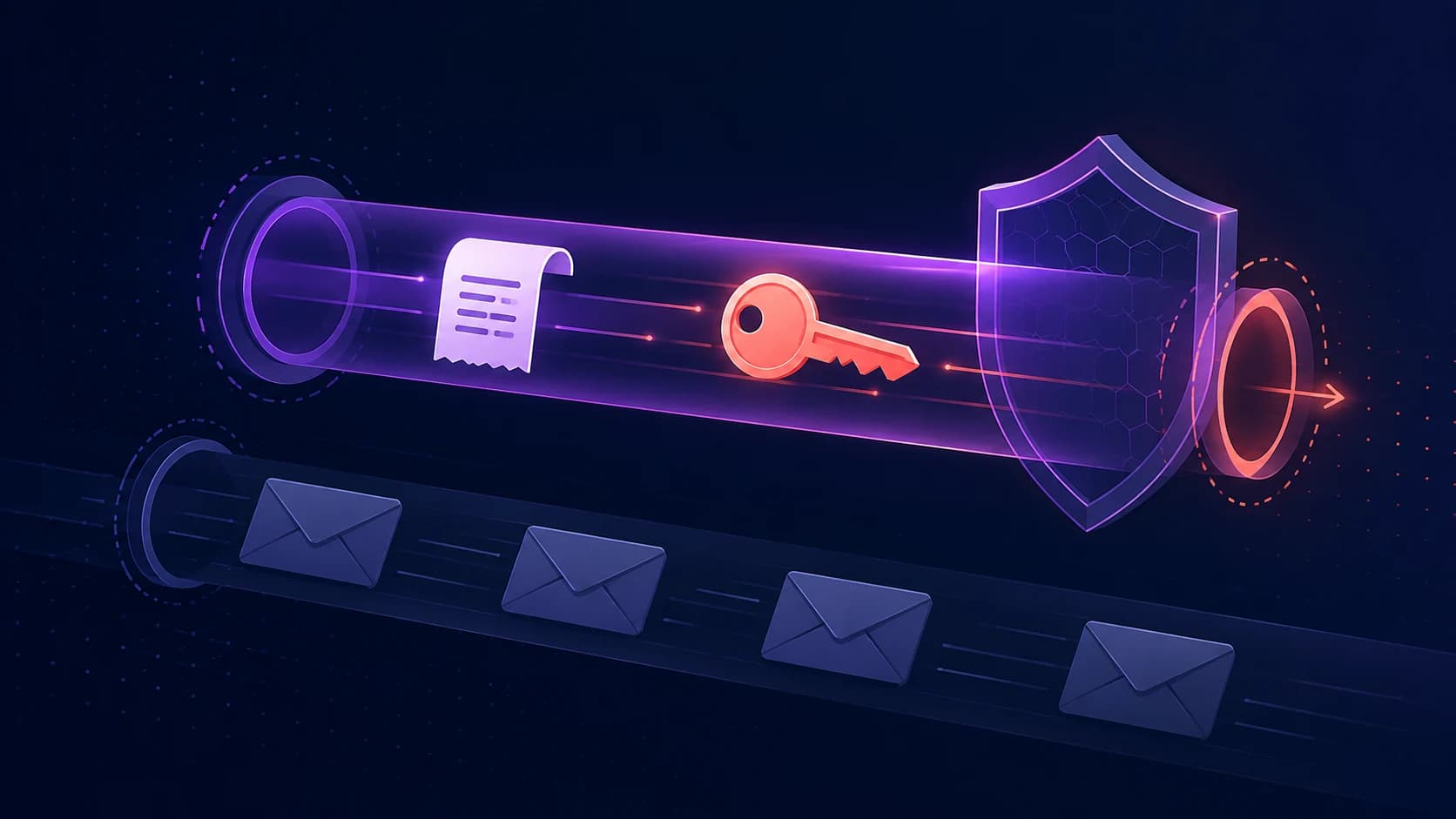
Transactional email is the mail users actively need: password resets, magic links, receipts, invoices, security alerts, onboarding steps, and product notifications. If a newsletter lands in spam, you lose attention. If a password reset lands in spam, the product feels broken.
The deliverability bar is higher because the user is waiting. Here is the checklist to keep operational mail separate, authenticated, and monitored.
Use a dedicated sending subdomain
Send transactional email from a subdomain like mail.yourdomain.com or notify.yourdomain.com. Keep marketing and cold outreach on separate domains or subdomains so a campaign mistake does not damage the reputation of password resets and receipts.
The visible From address can still be recognizable, but the underlying sending setup should be isolated enough that each stream earns its own reputation.
Authenticate the exact sending path
SPF, DKIM, and DMARC must pass for the transactional stream itself, not only for your root domain. If your provider sends from a subdomain, check that subdomain. If DKIM uses a provider selector, make sure the selector is published and active. If you are unsure what each record does, start with the SPF, DKIM, and DMARC guide.
For SaaS products, DKIM is especially important because forwarded mail and provider-specific routing can make SPF less reliable. A valid DKIM signature gives receivers a stronger reason to trust the message.
Keep the content boring and clear
Transactional email should look like exactly what it is. Avoid link shorteners, misleading subject lines, image-only layouts, and promotional copy inside critical flows. A password reset should have one job and one primary link. A receipt should clearly identify the product, amount, and account.
This is not only good UX. It also helps mailbox providers classify the message correctly. Consistent structure and honest subjects build a pattern of expected mail.
Watch bounces and complaints separately
Transactional sends can still hurt reputation if your app keeps emailing stale addresses. Suppress hard bounces immediately, give users a way to update their email address, and monitor complaint rates even when messages are triggered by product actions.
A small number of angry recipients marking receipts or alerts as spam can damage a stream that otherwise looks healthy. If a notification is not strictly necessary, give users a preference setting instead of forcing it.
Build a monitoring loop
- Run a full deliverability test before launch
- Check SPF, DKIM, and DMARC on the sending subdomain
- Confirm the sending IP is not on major blacklists
- Track hard bounces and suppress bad addresses quickly
- Separate transactional mail from marketing and outreach
- Re-check DNS after provider migrations or DNS changes
Do not wait for users to report it
The worst way to discover a transactional email problem is a support ticket that says "I cannot log in." Run your domain through the free email deliverability test to check the current setup across authentication and blacklist status.
Then keep it watched. Zeqo Mail checks the records and reputation daily, so a broken DKIM key or blacklist hit becomes an alert for your team instead of a login failure for your users. For cold outreach and marketing streams, pair this with the spam-placement checklist so each type of email has the right guardrails.
Check your domain in seconds
Enter any domain for a full deliverability test — SPF, DKIM, DMARC, sender reputation, and MX — with a plain-English verdict and the exact fix for anything that's broken.