
WooCommerce Emails Going to Spam? Stop Sending Through PHP Mail
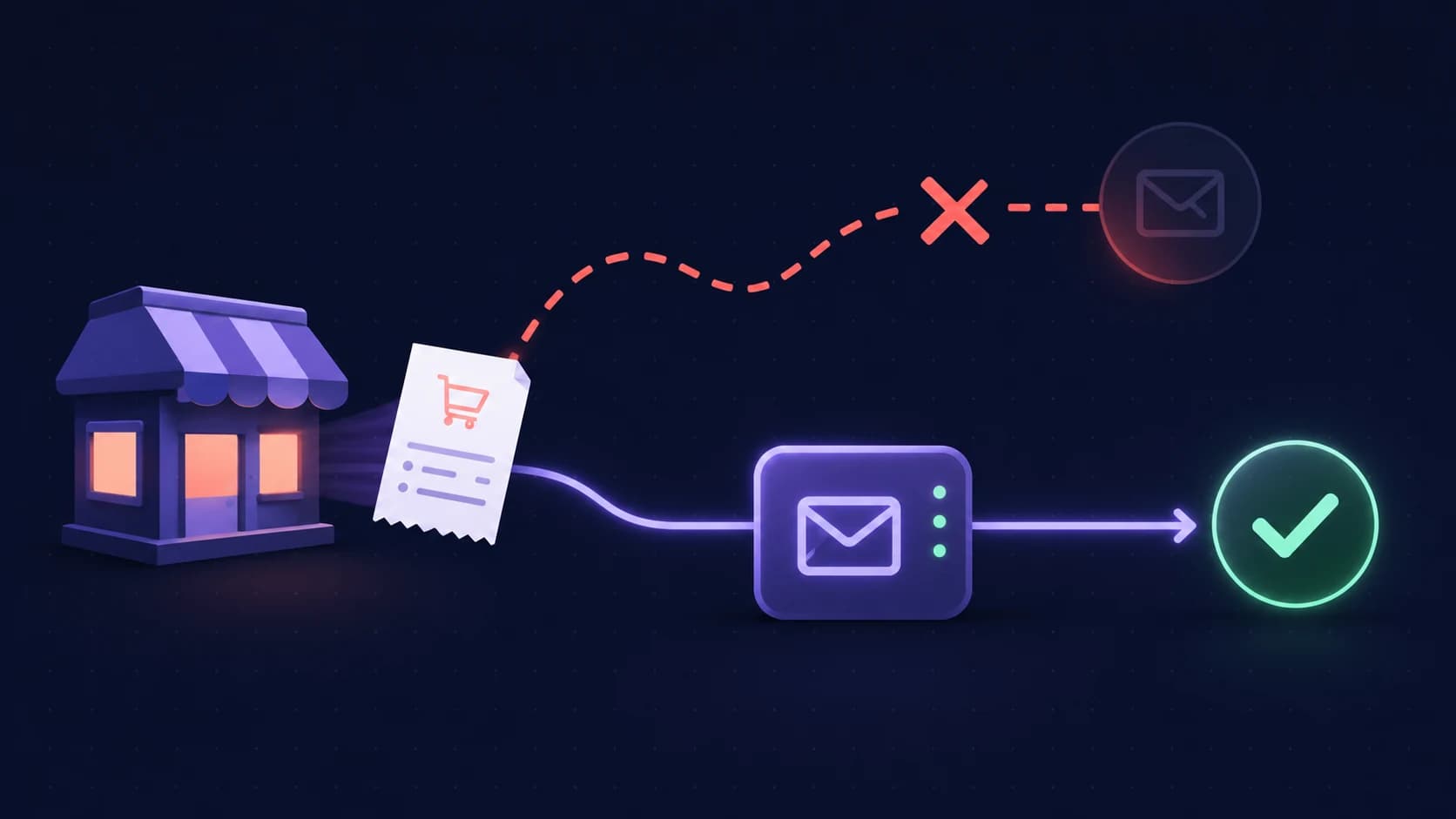
Short answer: WooCommerce order emails land in spam because WordPress sends them through the server's built-in PHP mail function by default. That path has no authentication behind it, so receiving servers get mail claiming to be from your domain with nothing to prove it. The fix is to route mail through an authenticated provider instead.
This matters more than marketing deliverability. A campaign in spam costs you a sale; an order confirmation in spam costs you a support ticket and a customer who thinks their payment failed.
The quick diagnosis
- PHP mail with no authentication: The default, and by far the most common cause.
- Shared host reputation: Your mail leaves from an IP shared with hundreds of other sites.
- From address mismatch: WooCommerce sends as a domain the server is not authorised to send for.
- No DMARC alignment: Records exist but do not align with the visible From address.
Step 1: stop using PHP mail
This is the whole fix for most stores. Install an SMTP plugin and route WooCommerce mail through a provider that authenticates properly — your mailbox provider for low volume, or a transactional service if you send at scale.
Once routed, mail leaves from infrastructure with a reputation and a DKIM key rather than from an anonymous shared web host. In practice this single change resolves the majority of WooCommerce placement complaints.
Step 2: match the From address to a domain you control
Check your WooCommerce email settings. If the From address is something like wordpress@yourhost.com, or a Gmail address while sending through your own server, the visible sender does not match the authenticated sender and DMARC will fail.
Set the From address to an address at the domain you are authenticating — typically your store domain — and make sure that domain publishes the records for whatever provider you chose in step one.
Step 3: publish SPF, DKIM, and DMARC for the store domain
Add your provider's SPF mechanism to your single SPF record, publish their DKIM key, and add DMARC at p=none to start collecting reports.
Verify each one resolves rather than trusting a plugin's status page. Use the SPF checker, the DKIM checker, and the DMARC checker. The plain-English guide to SPF, DKIM, and DMARC explains what each one is doing.
Step 4: keep one SPF record
WordPress sites accumulate senders — a contact form plugin, a newsletter plugin, the store itself. Each one that asks you to "add this SPF record" is really asking you to add a mechanism to the record you already have. Publishing several separate records invalidates all of them.
If you suspect this has already happened, our guide on multiple SPF records covers how to merge them without losing a sender.
Step 5: separate order mail from marketing
If your store also runs campaigns, send them from a marketing subdomain. Order confirmations, shipping notifications, and password resets should not share reputation with promotional sends — a complaint spike on a campaign should never put receipts in spam.
The transactional email checklist covers protecting the critical stream.
Step 6: monitor, because plugins change your DNS assumptions
WordPress sites change often. A plugin update, a host migration, or a new form tool can quietly alter which services send as your domain. Authentication that was correct in January can be broken by March without anyone touching the DNS deliberately.
Re-check after any significant plugin or hosting change rather than waiting for a customer to report a missing receipt.
A WooCommerce email checklist
- Mail routed through SMTP, not PHP mail.
- From address at a domain you control and authenticate.
- One SPF record covering every sending service.
- DKIM published and resolving.
- DMARC at
p=nonewith reporting enabled. - Order mail separated from marketing sends.
- Authentication re-checked after plugin or host changes.
FAQ
Why are my WooCommerce order emails going to spam?
Because WordPress sends them through PHP mail by default, with no authentication. Route mail through an authenticated SMTP provider and publish SPF, DKIM, and DMARC for your store domain.
Why are WooCommerce emails not sending at all?
Some hosts disable PHP mail entirely, so mail is never sent rather than being sent and filtered. An SMTP plugin fixes both failure modes, because it stops depending on the host's mail function.
Do I need a transactional email service for WooCommerce?
Not at low volume — your existing mailbox provider is usually fine. At higher volume a transactional service gives you better deliverability data and keeps store mail off your business mailbox reputation.
Does an SSL certificate affect email deliverability?
Not directly. HTTPS protects your site, not your mail path. It matters indirectly, because a site with certificate warnings damages the trust signals around your brand — worth monitoring either way with the SSL checker.
What to do next
Move off PHP mail first — that one change resolves most cases. Then set a From address on your own domain, publish SPF, DKIM, and DMARC, and confirm all three actually resolve.
Check what receiving servers currently see for your store domain with the free deliverability checker.
Check your domain in seconds
Enter any domain to instantly check its email sending setup — SPF, DKIM, DMARC, blacklist reputation, and more. We follow your real sending configuration, even on subdomains.