Mailchimp Emails Going to Spam? Fix Authentication First
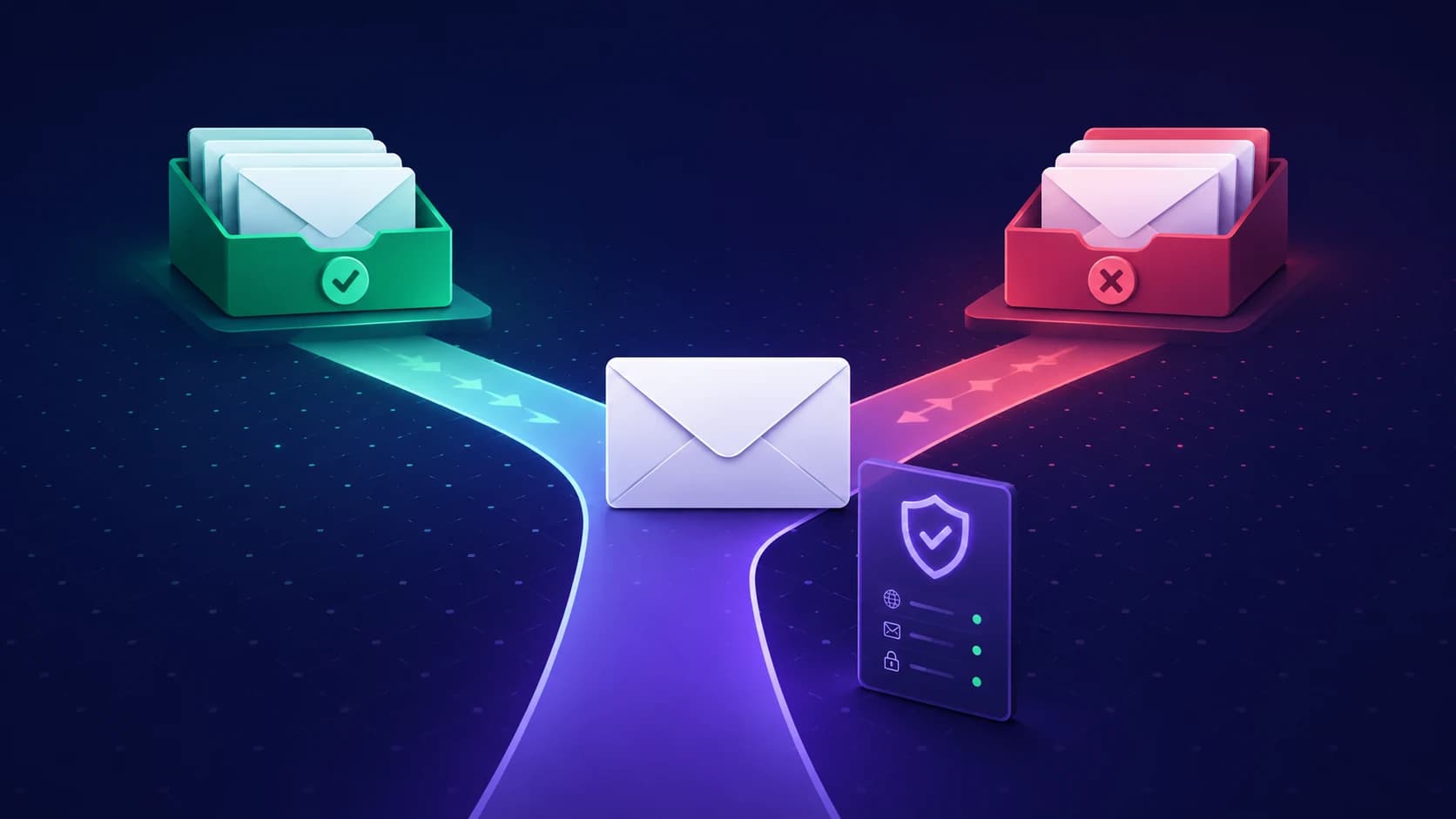
Short answer: if Mailchimp campaigns are landing in spam, the cause is almost always domain authentication or sender reputation, not your subject line. Mailchimp sends on your behalf from its own infrastructure, so unless you have explicitly authenticated your domain, receiving servers see mail that claims to be from you but is not provably authorised by you.
That distinction matters because it changes what you should fix. Rewriting copy on an unauthenticated domain is effort spent in the wrong place. This guide runs through the checks in the order that actually resolves the problem.
The quick diagnosis
A Mailchimp deliverability problem is nearly always one of four things:
- Authentication: Your domain does not publish records that let Gmail, Outlook, and Yahoo verify Mailchimp is allowed to send for you.
- Reputation: Your domain has complaint spikes, hard bounces, or a blacklist listing dragging placement down.
- List quality: You are mailing contacts who never open, which teaches filters that your mail is unwanted.
- Content signals: Link shorteners, mismatched display names, or image-only campaigns that read as spam.
Check them in that order. The first two are objective and fixable today; the last two take weeks to move.
Step 1: authenticate your domain in Mailchimp
Mailchimp asks you to verify an email address when you start sending. Verification is not authentication. Verifying an address proves you can read mail at it; authenticating a domain proves to receiving servers that Mailchimp may send on its behalf. Only the second one affects placement.
In Mailchimp, domain authentication publishes DKIM and SPF entries for your sending domain. Once you have added them at your DNS host, confirm they resolve correctly rather than trusting the dashboard alone. Run your domain through the free DKIM checker and the SPF checker to see what receiving servers actually see.
A common failure here is a DNS host that silently appends your domain to a record value, producing something like k1._domainkey.example.com.example.com. The dashboard may still report success while the lookup fails everywhere else.
Step 2: check you have not broken SPF with a second record
A domain must publish exactly one SPF record. If you already send through Google Workspace or Microsoft 365 and then add a second record for Mailchimp, you do not combine them — you invalidate both, and receivers return a permanent error that fails SPF for all your mail.
Merge the mechanisms into one record instead. If you are unsure whether you have drifted into two, our guide on what happens with multiple SPF records covers how to spot and merge them safely.
While you are there, count your lookups. SPF allows ten DNS lookups, and each include: costs at least one. Stacking Mailchimp on top of a mail provider and a CRM is a common way to quietly cross that limit — see the SPF 10-lookup limit explained.
Step 3: add DMARC without breaking legitimate mail
Since the Google and Yahoo bulk sender requirements took effect, DMARC is part of the baseline rather than an advanced option. Start at p=none, which changes nothing about delivery but asks receivers to send you reports about who is sending as your domain.
Read those reports for a few weeks, confirm every legitimate sender passes, and only then tighten to quarantine and reject. Moving straight to p=reject before you know your full sender list is the fastest way to block your own invoices. Our guide to choosing between p=none, quarantine, and reject walks through the staging.
Step 4: rule out a blacklist before touching the template
If campaigns dropped suddenly across multiple providers on the same day, that pattern points at reputation, not content. A listing can send mail to spam even when authentication is technically perfect.
Run a free blacklist check before you change anything else. If you are listed, the blacklist delisting guide covers the cleanup order.
Step 5: separate marketing from transactional mail
If password resets, receipts, and order confirmations leave from the same domain as your bulk campaigns, a bad campaign takes your critical mail down with it. A complaint spike on a promotional send should not put receipts in the spam folder.
Use a subdomain for marketing, keep transactional mail on a separate path, and monitor both. The transactional email checklist covers how to keep the second category protected.
Step 6: fix the list before blaming the filter
Mailchimp gives you the engagement data to act on. Segment out contacts who have not opened in six months, stop mailing them at campaign cadence, and either run a genuine re-engagement sequence or remove them. Sending to people who ignore you is the single most reliable way to train a filter against your domain.
Never import a purchased or scraped list into an authenticated domain you care about. The reputation damage outlasts the campaign by months.
A Mailchimp deliverability checklist
- Domain authenticated in Mailchimp, not just a verified address.
- Exactly one SPF record, under ten DNS lookups.
- DKIM resolving correctly at the published selector.
- DMARC published, starting at
p=none. - No blacklist listings on the sending domain.
- Marketing and transactional mail separated.
- Unengaged contacts segmented out of campaign sends.
- Authentication re-checked after every DNS or provider change.
FAQ
Why are my Mailchimp emails going to spam?
Most often because the sending domain is not authenticated, or because SPF has been broken by a second record. Check SPF, DKIM, DMARC, and blacklist status before changing campaign content.
Does verifying my email address in Mailchimp fix deliverability?
No. Verification proves you can read mail at an address. Authentication publishes DNS records that let receiving servers confirm Mailchimp may send for your domain. Only the second affects inbox placement.
Do I need DMARC to use Mailchimp?
If you send meaningful volume to Gmail or Yahoo recipients, yes — it is part of the current bulk sender expectations. Start at p=none and tighten once reports confirm your legitimate senders pass.
Can I use the same domain for Mailchimp and Google Workspace?
Yes, but they must share one SPF record containing both mechanisms. Publishing a separate record for each invalidates both.
What to do next
Work top to bottom: authenticate, verify the records actually resolve, publish DMARC at p=none, clear any blacklist listing, then address the list. Content changes come last, because on an unauthenticated domain they cannot fix the underlying problem.
Start with a full read of what receiving servers currently see for your domain using the free deliverability checker — it reports SPF, DKIM, DMARC, MX, and blacklist status together, which is the fastest way to tell which of the four buckets you are actually in.
Check your domain in seconds
Enter any domain to verify DKIM. We detect your email provider and look for the correct selector across your apex and sending subdomains, then show you how to fix a missing or revoked signing key.